Přihlásit se
Přihlášení selhalo. Byl zvolen správný přihlašovací systém?
Pro přístup k této stránce musíte být přihlášeni
Přihlaste se svými přihlašovacími údají. Můžete použít buď účet Liveloxu, nebo účet Eventoru pro Švédsko, Norsko nebo Austrálii.
Přihlášením vyjadřujete svůj souhlas s Uživatelským ujednáním Livelox.
Due to technical reasons, the login with external user accounts in Livelox has changed. Until now, you have logged in with your username and password directly in Livelox, but this is no longer possible. To log in with your username and password, you have to take a detour via .
Read more about the change here.
To log in with your Livelox account in Livelox, follow these instructions:
-
[Home.Login.ExternalSystemAccountInformation_Livelox]
[Home.Login.ExternalSystemAccountImages_Livelox]
To log in with your Eventor Sverige account in Livelox, follow these instructions:
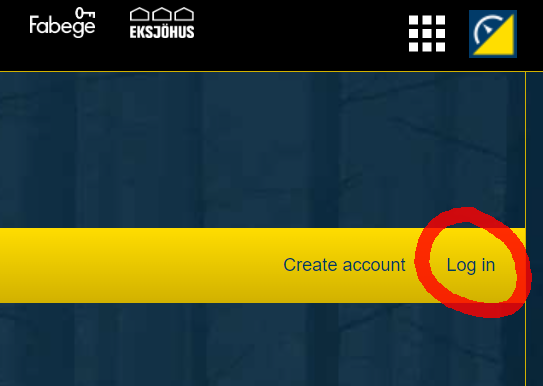
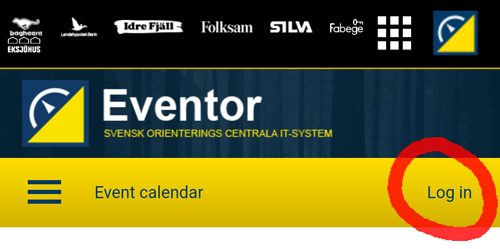
- Browse to Eventor Sverige. If you are already logged in there, go to step 2. Otherwise, log in using the link Log in at the top right.
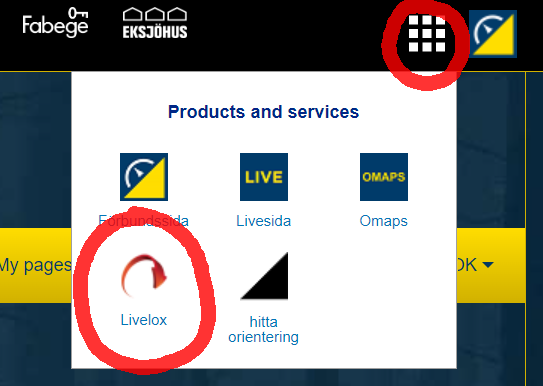
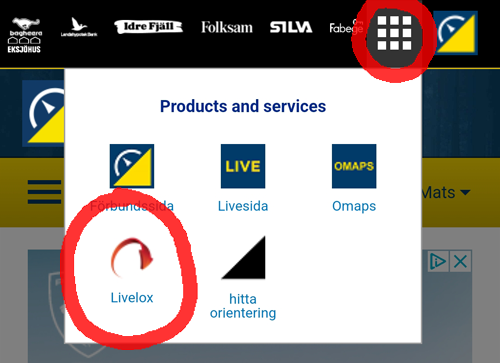
- Click on the icon with the nine small squares at the top right. Then click on the Livelox icon. You will be redirected to Livelox in logged-in mode.
- If you haven't already created a username and password directly in Livelox, you will be prompted to do so. Follow the instructions that are given.
To log in with your Eventor Norge account in Livelox, follow these instructions:
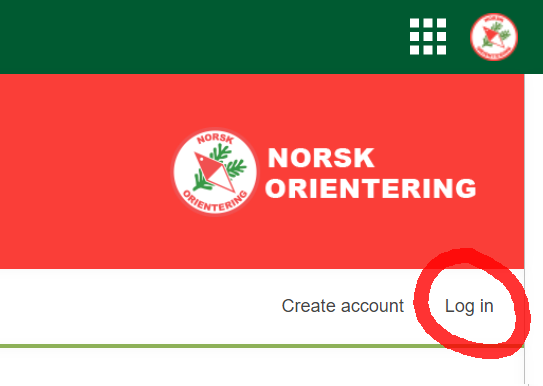
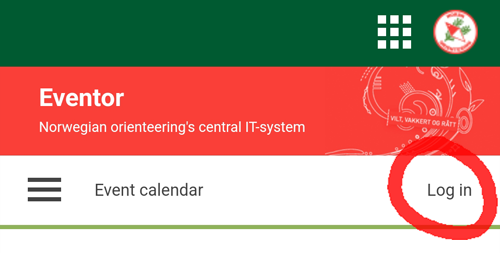
- Browse to Eventor Norge. If you are already logged in there, go to step 2. Otherwise, log in using the link Log in at the top right.
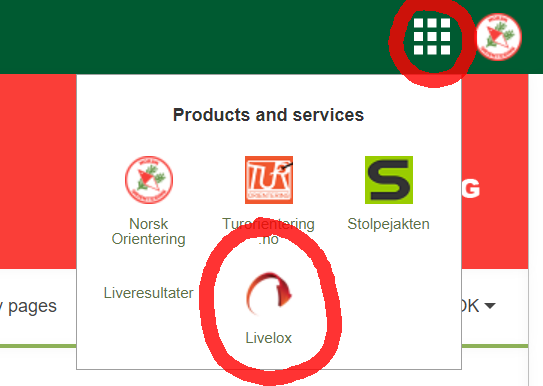
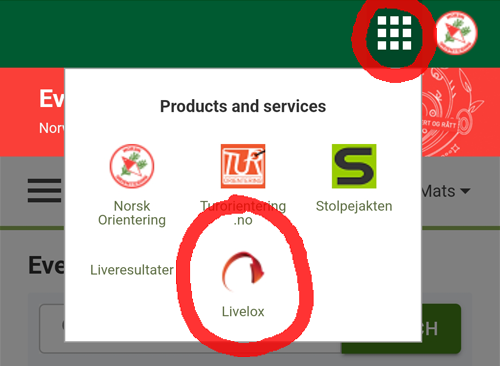
- Click on the icon with the nine small squares at the top right. Then click on the Livelox icon. You will be redirected to Livelox in logged-in mode.
- If you haven't already created a username and password directly in Livelox, you will be prompted to do so. Follow the instructions that are given.
To log in with your Eventor Australia account in Livelox, follow these instructions:
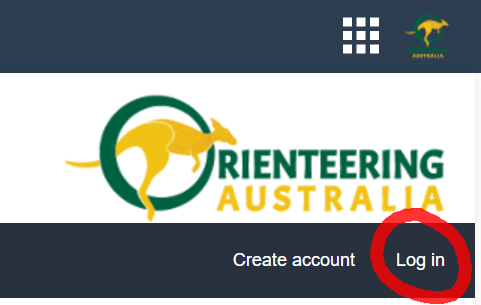
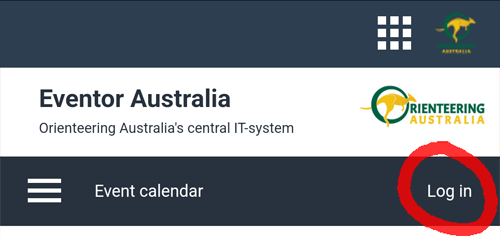
- Browse to Eventor Australia. If you are already logged in there, go to step 2. Otherwise, log in using the link Log in at the top right.
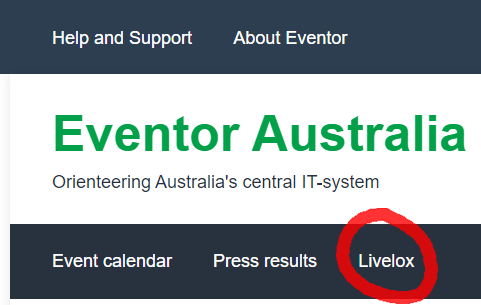
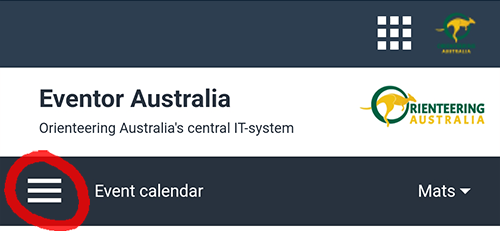
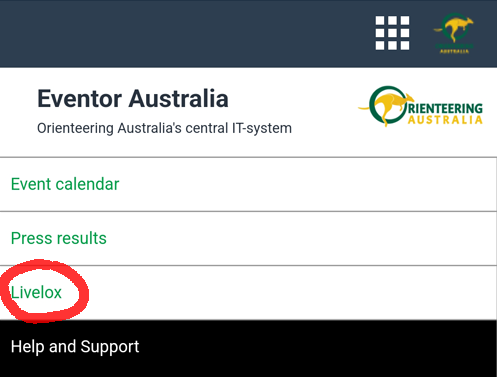
- On mobile, click on the menu icon to the left in the menubar and then on the Livelox link. On desktop, click on the Livelox link in the menubar. You will be redirected to Livelox in logged-in mode.
- If you haven't already created a username and password directly in Livelox, you will be prompted to do so. Follow the instructions that are given.
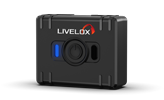 Our new, future-proof tracking model delivers even better precision and battery life. The obvious choice for live tracking - order it directly from the online store.